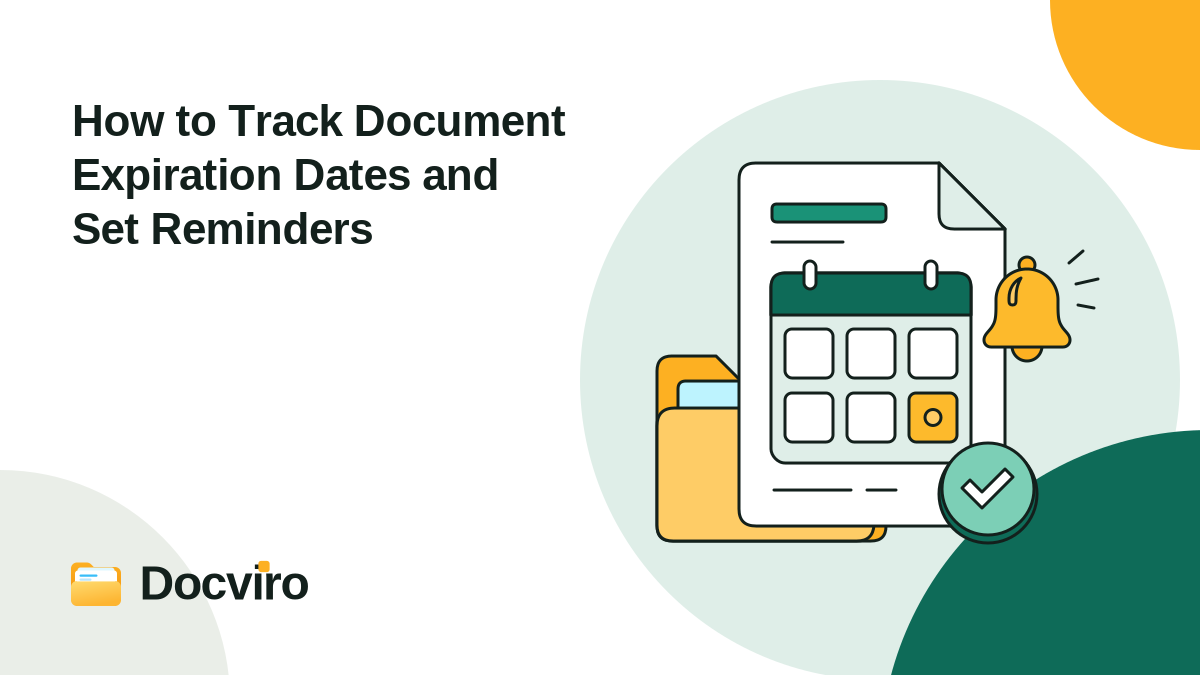
To track document expiration dates reliably, store each date as a structured field on the document itself. A file name or a separate spreadsheet is not enough. Give each document a named owner, and set tiered reminders early enough to act. A common pattern is 90, 30 and 7 days before the deadline, adjusted to how long the renewal actually takes. For contracts, track the notice deadline as well as the end date, because the notice deadline is usually the one that matters.
The rest is discipline. List every document type that expires and record dates the same way when documents arrive. Send renewals through a defined workflow, and retire the old version when the new one lands. This guide walks through each step, compares the common tools, and covers the compliance rules that make missed dates expensive.
Why Expiration Dates Slip Through the Cracks
Most businesses don't miss renewals because nobody cares. They miss them because the date lives in one place and the person who needs to act lives somewhere else. These are the usual failure points:
- The date is buried on page 14 of a contract or in a scanned certificate nobody can search.
- The tracking spreadsheet was built by someone who has since left the company.
- Calendar reminders go to one person's inbox, and that person is on vacation.
- An auto-renewing contract had a notice window that closed 60 days before the end date.
- The renewed document was saved, but people still open the old one.
Each of these is a process gap, and each has a straightforward fix.
Step 1: List the Documents That Expire
Start with a list. Go through each department and ask which documents stop being valid, or require action, after a certain date.
| Document type | Date(s) to track | Usual owner |
|---|---|---|
| Vendor and customer contracts | End date, notice deadline, renewal term | Operations or finance |
| Software subscriptions | Renewal date, cancellation notice deadline | IT |
| Vendor certificates of insurance (COIs) | Policy expiration | Operations or procurement |
| Your own insurance policies | Policy expiration | Finance |
| Business licenses and permits | Expiration, filing deadline | Office manager |
| Professional licenses and certifications | Expiration, continuing education deadline | HR |
| Employee work authorization documents | Expiration (for reverification) | HR |
| NDAs and data processing agreements | Term end, survival period | Legal or compliance |
| Leases | End date, option exercise deadline | Finance |
| Warranties and service agreements | Coverage end | Operations or IT |
| Quality certifications and audit reports | Certificate expiry, surveillance audit dates | Quality or compliance |
You don't need everything on day one. Start with the documents where a lapse does the most damage:
- Documents you need to operate legally.
- Documents that keep you insured.
- Contracts that renew automatically for another paid term.
Step 2: Store the Right Dates as Metadata
A date in a file name such as Contract_Acme_exp2026-03.pdf is better than nothing. But you can't reliably sort, filter or trigger reminders from it. Store dates as metadata fields attached to the document instead.
Which Dates to Record
Many documents have more than one date that matters:
- Effective date: when the document starts to apply.
- Expiration or end date: when it stops applying.
- Notice deadline: the last day to cancel or renegotiate. If a contract auto-renews unless you give 60 days' notice, this is the end date minus 60 days. Set your reminders against this date.
- Action date: the day work should start, based on how long renewal takes.
Keep Fields Consistent
Follow these rules across every document type:
- Use the same field names everywhere.
- Use a true date field, not free text, so values can be sorted and compared.
- Add a status field with values such as Active, Renewal in progress, Expired and Superseded.
- Add an owner field.
For more on designing fields people will actually fill in, see our guide to metadata best practices.
Record Dates When Documents Arrive
The cheapest moment to record a date is when the document first arrives. Make it part of the upload step: no expiring document gets filed without its date fields filled in.
For existing files, OCR and AI extraction can pull likely dates from the text. Have a person confirm each one. Contracts and certificates often contain several dates, and extraction can pick the wrong one.
Step 3: Assign an Owner and a Backup
Every expiring document needs one named owner who is responsible for acting, plus a backup. Where you can, assign a role such as "IT lead" or "office manager" rather than an individual, so ownership survives staff changes. When someone leaves, reassigning their documents should be part of offboarding, just like recovering a laptop.
Step 4: Set Tiered Reminders With Realistic Lead Times
One reminder is not enough. Use a sequence that escalates as the deadline gets closer.
| Reminder | Typical timing | Purpose | Recipients |
|---|---|---|---|
| First notice | 90 days before the action date | Decide whether to renew, renegotiate or cancel | Owner |
| Working reminder | 30 days before | Confirm the renewal is underway | Owner |
| Final reminder | 7 days before | Last chance to act | Owner and backup |
| Escalation | On or after the date | Flag an overdue item | Owner, backup and manager |
Adjust lead times to each document type:
- A vendor COI can usually be requested and received in a week or two.
- A professional license that needs continuing education credits may need months.
- A major contract renegotiation or a permit that requires an inspection may also need months.
Work backward from the slowest part of the renewal. Then follow these practical rules:
- For anything that auto-renews, remind against the notice deadline, not the end date.
- Send reminders to a role or shared mailbox as well as to an individual.
- Put a link to the document in the reminder so the owner doesn't have to hunt for it.
- Stop reminders once the status changes to Renewed or Cancelled. Otherwise people learn to ignore them.
Step 5: Choose Where Tracking Lives
| Approach | Strengths | Weaknesses | Best fit |
|---|---|---|---|
| Spreadsheet plus calendar reminders | Free and quick to start | Kept apart from the documents, needs manual updates, reminders tied to one person | A short list with a single owner |
| Shared drive with naming conventions | Documents and dates closer together | No real date fields, no automated reminders | Rarely enough on its own |
| Dedicated contract or compliance tool | Deep features for one document type | Another system to maintain, covers only part of the list | High contract volume |
| Document management system with metadata and workflows | Dates stored on the document, searchable, reminders and approvals in one place, audit trail | Fields and workflows need setting up | Most growing businesses |
Whichever approach you choose, apply two tests:
- When someone opens the document, can they see its expiration date?
- When the date approaches, does the reminder point to the current version?
If either answer is no, the tracker will drift away from reality over time.
Step 6: Close the Loop When a Document Is Renewed
Renewal isn't done when someone dismisses the reminder. A clean close looks like this:
- Upload the renewed document as a new version of the existing record, not as a separate copy in another folder.
- Update the date fields and the status.
- Send it for review or approval if the terms changed.
- Collect signatures if needed.
- Mark the previous version Superseded or Expired, and apply your retention rule to it.
- Confirm the next reminder cycle runs from the new date.
For the full arc of a contract, from drafting through negotiation, signature and renewal, see our guide to contract lifecycle management.
Compliance Rules That Raise the Stakes
Expiration tracking isn't only about avoiding unwanted renewals. In some areas, a missed date creates a legal problem.
- Employment eligibility (US). Employers must reverify employment authorization on Form I-9 when an employee's temporary authorization expires. Reverification does not apply to US citizens, and it is not required when a permanent resident's green card expires. Keep these dates in HR records with tight access controls, and only reverify where the rules require it.
- Personal data (EU and California). Under the GDPR's storage limitation principle, personal data should be kept no longer than necessary for its purpose. California's CCPA, as amended by the CPRA, requires businesses to disclose how long they keep each category of personal information. Expired documents that contain personal data, such as old ID copies or lapsed agreements with individuals, should follow a retention schedule rather than sit in storage forever.
- Healthcare (US). HIPAA covered entities need a business associate agreement (BAA) with vendors that handle protected health information. Track BAA status alongside the underlying service contract, so a renewal or vendor switch doesn't leave a gap.
- Licenses and permits. Operating on a lapsed license or permit can lead to fines or a forced pause in operations, depending on the jurisdiction and industry.
An expired document still needs a plan for what happens next. Our explainer on document retention policies covers how to build schedules for expired and superseded records.
Common Mistakes to Avoid
- Tracking end dates but not notice deadlines.
- Relying on a single reminder sent to a single person.
- Entering dates as free text that can't be sorted or filtered.
- Having no status field, so expired items look the same as active ones.
- Saving renewed copies next to old ones with no version history.
- Building the tracker once and never checking it. Review the list of expiring documents at least quarterly, and add new document types as the business changes.
How Docviro Handles Expiration Tracking
Docviro is a cloud document management system, so expiration dates live with the documents rather than in a separate tracker. Here is how its features map to the steps above.
- Metadata and extraction. Expiration dates, notice deadlines, owners and status can be stored as metadata on each document. AI metadata extraction can suggest dates from uploaded files for a person to confirm.
- Search with OCR. OCR makes scanned certificates, permits and signed PDFs searchable, so you can find dates in older paper-based documents. AI summaries and chat on documents help you check renewal and notice terms without reading the whole file.
- Workflows. Approval workflows send renewed documents to the right reviewers. Workflow automation can assign renewal tasks to document owners. The feature page lists the triggers and notification options available.
- Version history. A renewed contract or certificate is uploaded as a new version of the same document. The previous version stays available for reference.
- Electronic signatures. Renewals signed in Docviro come with a certificate of completion and a public verification page for checking the signed document.
- Retention rules. Retention rules control how long expired and superseded documents are kept before review or disposal.
- Secure sharing. Expiring links let you send documents to vendors, auditors or insurers without leaving access open indefinitely.
- Permissions and audit logs. Folder permissions limit who can see sensitive records such as work authorization documents. Audit logs record who viewed, changed or approved each file.
FAQ
What is the best way to track document expiration dates?
Store the dates as metadata fields on the documents themselves, in a system that can search and filter by those fields. Give each document an owner and a backup, and set tiered reminders against the action date. Review the full list of expiring documents every quarter so nothing falls off the radar.
How far in advance should I set renewal reminders?
It depends on how long the renewal takes. A 90, 30 and 7 day sequence works for many documents. Licenses that need continuing education, permits that need inspections, and large contract renegotiations may need reminders six months or more ahead. For auto-renewing contracts, count back from the notice deadline, not the end date.
Can I track expiration dates in Excel?
Yes, for a short list managed by one person. The weakness is that the spreadsheet is kept apart from the documents, depends on manual updates, and usually relies on one person's calendar for reminders. As the list grows or ownership spreads across teams, a document management system with metadata and workflows is easier to keep accurate.
Should I delete documents after they expire?
Not right away. Expired contracts, certificates and licenses may still be needed for disputes, audits, tax records or regulatory inspections. Apply a retention schedule that sets how long each type is kept after expiration, and dispose of personal data once it is no longer needed, as the GDPR and similar laws expect.
How do I find expiration dates in documents I already have?
Start by making older and scanned files searchable with OCR. Then search for terms such as expires, expiration, renewal and notice. AI extraction can suggest dates in bulk, but have someone confirm each one, because documents often contain several dates and the tool can pick the wrong one.