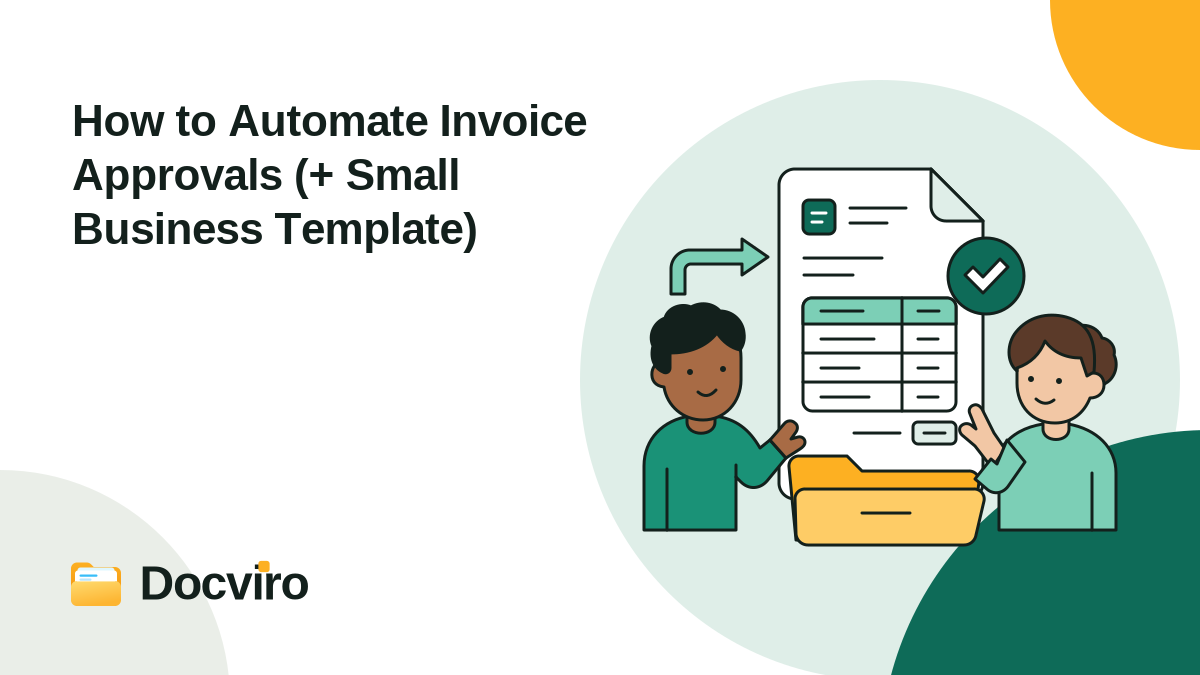
To automate invoice approvals, send every supplier invoice to a single intake point. Let software read the key fields (vendor, invoice number, amount, due date) and run a few automatic checks. Then route the invoice to the right approver based on rules you define, such as amount, department or vendor. Each approval or rejection is logged with a name and timestamp, and approved invoices move to whoever schedules payment. Most small businesses need only two things for this: a document management system with approval workflows and the accounting software they already use.
The technology is the easy part. The real work is agreeing on the rules. You need to decide who can approve what, at which dollar or euro threshold, what happens when an approver is on vacation, and which checks must pass before anyone clicks Approve. This guide walks through those decisions step by step. It ends with a workflow template you can adapt in an afternoon.
Why manual invoice approvals break down
In many small businesses, invoices arrive through several channels: a shared inbox, personal inboxes, the mail and the occasional vendor portal. Someone forwards each one to a manager with a note like "OK to pay?", waits, follows up, and eventually keys the invoice into the accounting system. That works at ten invoices a month. It strains at fifty and fails at two hundred.
The typical problems are:
- Lost or late invoices. An email sits unread while the approver travels, and the vendor calls about a late payment.
- Missed discounts and late fees. When nobody can see due dates, early payment terms like 2/10 net 30 go unused.
- Duplicate payments. The same invoice arrives by email and by post and gets paid twice.
- No record of who approved what. When an auditor or owner asks, the answer is buried in an email thread.
- Fraud exposure. Fake invoices and emails announcing "new bank details" are a common scam known as business email compromise. Informal approval chains make them easier to slip through.
Automation addresses each of these by giving every invoice a status, an owner and a history.
What an automated invoice approval workflow looks like
Almost every invoice approval process, manual or automated, follows the same stages:
- Capture: the invoice enters one place.
- Extract: key fields are read and stored as metadata.
- Validate: automatic checks flag duplicates, missing purchase orders or changed bank details.
- Route: rules send the invoice to the right approver or approvers.
- Approve or reject: approvers act and add comments if needed.
- Hand off: approved invoices go to the person or system that schedules payment.
- Archive: the invoice and its approval history are stored under a retention rule.
Automating does not mean removing people. It means people only touch invoices when a decision is needed.
Step-by-step: how to automate invoice approvals
Step 1: Map your current process
Before you configure anything, write down how an invoice moves today. Note who receives it, who approves it, how long each step takes and where it stalls. Ask the bookkeeper and two or three frequent approvers. You will usually find unwritten rules, such as "the owner signs anything over $5,000", that need to become explicit.
Step 2: Create a single intake channel
Pick one entry point and tell vendors about it. Common options:
- A dedicated email address, such as invoices@yourcompany.com, that forwards attachments into your document system.
- A scanned-mail process, where paper invoices are scanned on arrival and uploaded to an intake folder.
- Direct upload for invoices downloaded from vendor portals.
Update your vendor onboarding form and the "bill to" instructions on purchase orders so new invoices go to the right place.
Step 3: Capture and extract invoice data
Scanned PDFs and photos are just images until text recognition runs on them. OCR turns them into searchable text. Metadata extraction then pulls out the fields your rules depend on:
- vendor name
- invoice number
- invoice date and due date
- total, currency and tax amount
- PO number
If many of your invoices still arrive on paper, see our guide on how to make scanned invoices searchable with OCR.
For the first few weeks, have a person confirm the extracted values. Extraction is good but not perfect, especially with poor scans or unusual layouts.
Step 4: Define validation checks
Checks run before an approver sees the invoice. That way, approvers only have to judge whether the expense is legitimate. Useful checks for a small business:
- Duplicate check: flag invoices with the same vendor and invoice number, or the same vendor, amount and date.
- PO match: if the invoice references a purchase order, confirm the PO exists and the amount fits. Businesses that receive physical goods can add a three-way match against the receiving record.
- Known vendor: send invoices from vendors not on your vendor list to a review step first.
- Bank detail changes: hold any change to payment details until someone verifies it by phone. Use a number already on file, not one from the email.
Step 5: Set approval rules and thresholds
This is the core of the workflow. Keep the rules simple enough that everyone can explain them. Base them on:
- Amount: higher totals require more senior or additional approvers.
- Department or cost center: the budget owner approves spending against their budget.
- Vendor or category: recurring utilities or rent may need lighter approval than new vendors or capital purchases.
Two principles matter more than the exact numbers:
- No self-approval. Nobody approves an invoice for spending they requested or that pays them.
- Separate approval from payment. The person who approves should not be the same person who releases the payment.
In a five-person company you may not achieve perfect segregation of duties. You can still make sure at least two people touch every payment.
Step 6: Build reminders, escalations and delegation
Workflows stall when approvers ignore notifications. Add:
- A reminder after one or two business days.
- An escalation to the approver's manager or the finance lead after a set period, or a few days before the due date.
- A delegation option so approvers can assign a substitute while on leave. The substitute's name should be recorded in the audit trail.
Step 7: Connect approval to payment and archive
Decide how approved invoices reach payment. In a small business, this is often a folder or status called "Approved: ready to pay". The bookkeeper works through it on a fixed schedule and enters or imports each bill into the accounting system.
Once an invoice is paid, mark it as paid and record the payment date and reference. It then moves to an archive folder covered by a retention rule.
Step 8: Test, launch and review
For two weeks, run 20 to 30 real invoices through the new workflow alongside the old process. Check that:
- rules route each invoice to the right approver
- reminders and escalations fire on time
- the audit log shows what you expect
After launch, review the workflow monthly for the first quarter. Look at average approval time, invoices that escalated and rejection reasons, and adjust thresholds based on what you see. For design principles that apply beyond invoices, see creating approval workflows.
Invoice approval workflow template
Adapt the thresholds to your business size and risk tolerance. The figures below are examples, not recommendations.
Approval matrix
| Invoice total | Approver(s) | Additional condition |
|---|---|---|
| Under $500 / €500 | Budget owner | Recurring vendors can be pre-approved against a contract |
| $500 to $5,000 / €500 to €5,000 | Budget owner | PO required for non-recurring spend |
| $5,000 to $25,000 / €5,000 to €25,000 | Budget owner, then finance lead | PO and contract on file |
| Over $25,000 / €25,000 | Budget owner, finance lead, then owner or CEO | Signed contract, or board approval if your bylaws require it |
| Any amount, new vendor or bank change | Finance lead first | Callback verification before routing |
Workflow steps
| Step | Owner | Trigger | Action | Target time |
|---|---|---|---|---|
| 1. Intake | System | Invoice arrives at intake email or folder | OCR and field extraction | Same day |
| 2. Data review | AP clerk or bookkeeper | Extraction complete | Confirm vendor, number, amount, due date and cost center | 1 business day |
| 3. Validation | System and AP clerk | Data confirmed | Run duplicate, PO, vendor and bank checks; hold exceptions | 1 business day |
| 4. Approval | Per matrix | Validation passed | Approve, reject with a reason, or request information | 2 business days |
| 5. Escalation | Finance lead | No action after target time | Send reminder, then reassign | Automatic |
| 6. Payment prep | Bookkeeper | All approvals complete | Enter bill and schedule payment by due date | Per payment run |
| 7. Close and archive | System | Marked paid | Move to archive and apply retention rule | Automatic |
Metadata fields to capture
- Vendor: vendor name and vendor ID.
- Invoice details: invoice number, invoice date, due date, currency, net amount, tax amount and total.
- Coding: PO number and cost center.
- Approval: approver(s), approval date and status.
- Payment: payment date and payment reference.
Controls that keep automation from creating new risks
Automation speeds everything up, including mistakes, if controls are weak. Keep these in place:
- Role-based permissions. Only finance staff should edit vendor records or invoice metadata after approval. Approvers see only the invoices they need to act on.
- Automatic history. Approvals, rejections and edits should be logged by the system, not typed into a comment.
- Version history on documents. If a vendor sends a corrected invoice, keep both versions and record which one was approved.
- Periodic access review. Remove approval rights when people change roles or leave.
Retention and compliance considerations
Invoices are tax records, so how long you keep them depends on where you file.
- United States. The IRS generally expects you to keep records that support income and deductions until the period of limitations for the return expires. That period is usually three years but can be longer. For example, it is six years if income was substantially underreported. Many businesses keep invoices for seven years to cover these cases, and state rules may add requirements.
- European Union. The VAT Directive requires businesses to store invoices and to ensure their authenticity of origin, integrity of content and legibility for the whole storage period. Each member state sets the length of that period, and some require up to ten years. Several countries are also moving to mandatory structured e-invoicing, so check local rules.
- GDPR and CCPA. Invoices from sole traders and freelancers can contain personal data such as names, home addresses and bank details. Under GDPR, limit access to staff who need it and delete the data when the retention period ends. CCPA applies only to businesses that meet its thresholds, but the same access discipline is good practice either way.
A documented retention schedule makes this manageable. Our guide to document retention policies covers how to build one.
Common mistakes to avoid
- Too many approval tiers. Each extra level adds days. Most small businesses need two or three.
- Automating a broken process. If nobody agrees who owns a budget, the workflow will simply route invoices to the wrong person faster.
- Skipping exception handling. Decide in advance what happens to invoices with no PO, wrong amounts or missing data.
- Letting email approvals continue on the side. If managers still approve by replying "OK", you lose the audit trail. Make the workflow the only path.
- Ignoring the vendor side. If you do not tell vendors where to send invoices, they will keep emailing whoever they know.
How Docviro handles invoice approvals
Docviro is a document management platform. It covers the document side of the process: intake, extraction, approval, audit and retention. Payments themselves are made in your accounting or banking software.
- Intake and OCR. Invoices uploaded or scanned into a folder are processed with OCR, so their full text is searchable.
- AI metadata extraction. Docviro can extract fields such as vendor, invoice number, amounts and dates into metadata. A reviewer can then confirm or correct them.
- AI summaries and chat. Approvers can use summaries and chat on documents to answer quick questions about a long invoice or an attached contract.
- Approval workflows. You define the steps, approvers and conditions that route each invoice, and every decision is recorded. See Docviro workflow automation for how steps and routing are configured.
- Permissions and audit logs. Folder permissions limit who can view or edit invoices. The audit log records who viewed, changed or approved each one.
- Version history. Corrected invoices are kept as new versions, so you can always see which version was approved.
- Retention rules. Archive folders can carry retention rules that match your tax record requirements.
- Secure sharing. When an auditor or external accountant needs access, you can share specific folders through expiring links instead of emailing attachments.
FAQ
What is the best way to automate invoice approvals for a small business?
Start with a single intake channel, automatic data extraction and two or three approval tiers based on invoice amount and budget owner. A document management system with approval workflows usually covers this without custom development. Keep payment in your accounting software and connect the two with a clear "approved, ready to pay" step.
How many approval levels should an invoice have?
Most small businesses need one approver for routine invoices and two or three for larger or unusual ones. Every extra level adds delay, so add one only when it introduces a real check, such as finance reviewing large spend. Base the levels on amount thresholds and vendor risk, not job titles alone.
Do approvers need to sign invoices electronically?
Usually not. A recorded approval in a workflow, showing the approver's name, the decision and a timestamp, is a sound internal control record for most businesses. Formal electronic signatures matter more for the contracts and purchase agreements behind larger invoices.
How do I prevent duplicate or fraudulent invoices?
Run automatic duplicate checks on vendor plus invoice number, and hold invoices from unknown vendors for review. Verify any bank detail change by calling a number already on file. Make sure the person who approves is not the person who releases payment, and review the audit log periodically for unusual patterns.
How long should I keep approved invoices?
In the US, the IRS baseline is generally three years after filing, with longer periods in some situations, which is why many businesses keep invoices for seven years. In the EU, each member state sets its own period, and some require up to ten years. Apply a retention rule so invoices are kept as long as required and deleted afterward.