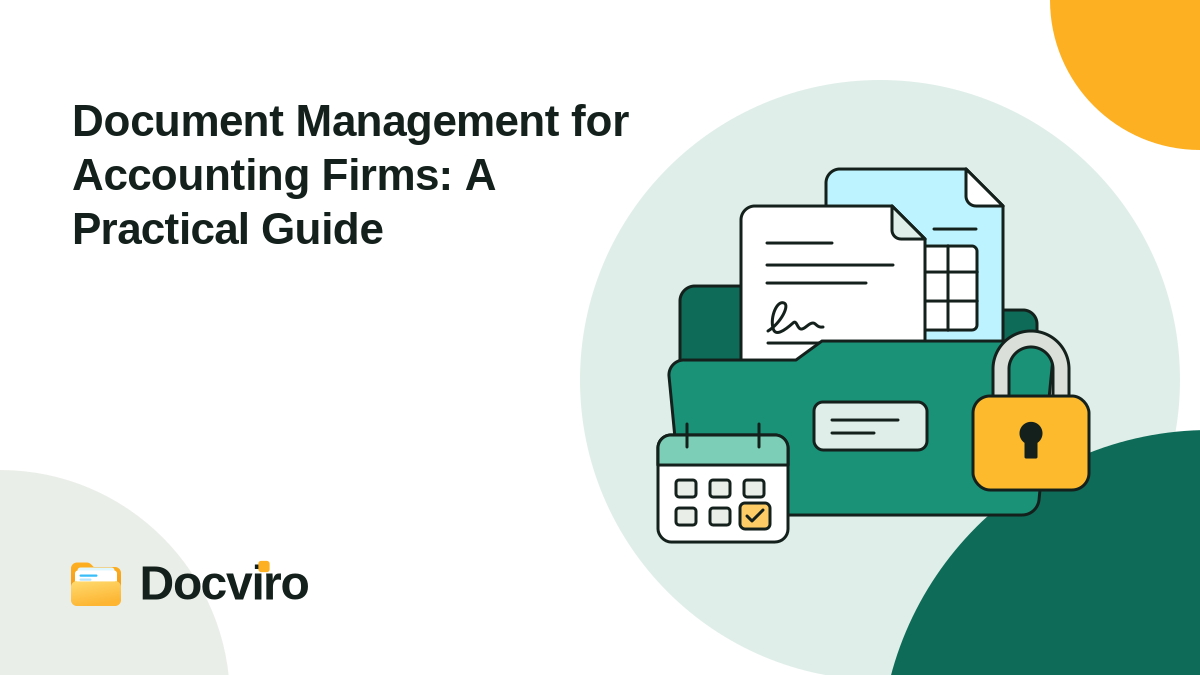
Document management for accounting firms means giving every client one organized, permission-controlled home for their files. It also means collecting and delivering documents through secure links instead of email attachments, and locking finished workpapers so they can't be quietly changed. Engagement letters get signed electronically with a record of who signed and when, and each type of record is kept for as long as the IRS, professional standards or national law requires. After that, it is disposed of on purpose.
You can't get there by buying software and dumping your shared drive into it. You get there by deciding on a client-centric structure, setting access rules by role, standardizing how documents come in and go out, and attaching retention rules to record types. This guide covers each of those steps, the US and EU rules that shape them, and a rollout plan a small or mid-sized firm can run without a dedicated IT team.
Why accounting firms struggle with documents
Few small businesses handle as much sensitive paper per client as an accounting firm. A single individual tax client can produce W-2s, 1099s, brokerage statements, receipts, prior-year returns, an engagement letter, an e-file authorization and a stack of email questions every season. A business client adds bank statements, payroll reports, fixed asset schedules, trial balances and workpapers.
The usual pain points look like this:
- Email as the intake channel. Clients send unencrypted attachments, staff save them to personal folders, and nobody is sure which copy is current.
- Shared drives without structure. Every preparer invents their own folder names, so finding last year's depreciation schedule depends on who did the work.
- Version confusion. "Final," "final_v2" and "final_reviewed" all exist, and the one that was filed isn't obvious.
- Seasonal crunch. During tax season, nobody has time to tidy up, so the mess compounds year over year.
- No retention discipline. Firms either keep everything forever, which grows breach exposure, or delete inconsistently, which creates gaps if a client is examined.
A document management system (DMS) addresses these problems with structure, permissions, version history, search and automated rules. If you are still weighing options, our checklist for choosing a document management system walks through evaluation criteria in detail.
What an accounting firm's DMS needs to do
A client-centric folder structure
Organize by client first, then by year, then by service. A consistent template removes guesswork and makes permissions easy to apply. For example:
Clients / Smith, John / 2025 / Tax / Source DocumentsClients / Smith, John / 2025 / Tax / WorkpapersClients / Smith, John / 2025 / Tax / Filed ReturnClients / Acme LLC / 2025 / Audit / PlanningClients / Acme LLC / Permanent File
The permanent file holds documents that stay relevant across years: entity formation documents, operating agreements, depreciation schedules, carryforward worksheets and signed engagement terms. Keeping it separate from year folders stops it from being purged with an expired tax year.
Add metadata on top of folders: client ID, tax year, document type, service line and responsible partner. Metadata lets you filter and apply rules across clients without moving files around.
Secure document collection and delivery
Replace email attachments with secure links. A good setup lets a client upload into a specific folder through a link that expires, and lets you send a draft return or financial statements through a link that can require a password and stop working after a set date. Each upload and download should be logged.
This is about more than tidiness. Tax return information carries specific legal protections in the US, covered below.
Version control and locked workpapers
Workpapers change many times during an engagement and must not change after sign-off. You need full version history, with who changed what and when, during the work, and the ability to lock or restrict a folder once the engagement is complete.
For audits, this lines up with professional standards. The AICPA's AU-C 230 expects the final audit file to be assembled within 60 days of the report release date, and after that, documentation shouldn't be deleted or discarded before the end of the retention period. Any additions must be documented with who made them, when and why. PCAOB standards for public company audits set a 45-day assembly window. A DMS with version history and audit logs gives you the evidence trail these standards expect.
Full-text search with OCR
Much of what clients send is scanned: phone photos of receipts, PDF scans of bank statements, faxed K-1s. Optical character recognition turns those images into searchable text, so a staff member can find "property tax 2024" across a client's documents without opening each file.
Engagement letters and e-signatures
Engagement letters define scope and limit liability, so every engagement should have a signed one on file before work starts. Electronic signatures are legally valid for most business documents in the US under the federal ESIGN Act and state laws based on UETA, and in the EU under eIDAS. Our guide to electronic signature laws in the US and EU explains what makes a signature enforceable.
The IRS also accepts electronic signatures on certain forms, including Form 8879 (the e-file signature authorization), subject to identity verification requirements it publishes for e-file providers. Check current IRS guidance before changing how you collect 8879s.
Review and approval workflows
Most firms already have a review hierarchy: preparer, reviewer, partner. A workflow routes a return or set of statements to the next person automatically, records each approval and flags items stuck in a queue. That replaces sticky notes, spreadsheet trackers and "did you look at this yet?" messages.
Audit logs
You should be able to answer: who opened this client's file, who downloaded it, who shared it externally and who deleted anything. Audit logs support internal investigations, client inquiries, peer review and incident response.
Retention: how long to keep what
Retention is where many firms either over-keep or under-keep. The periods below are common minimums drawn from federal tax rules and professional standards. State boards of accountancy, state tax agencies, contracts and your malpractice insurer may require longer, so confirm with your own advisors.
| Record type | Common minimum | Basis |
|---|---|---|
| Client tax returns and supporting records | 3 years from filing; 6 years if income was underreported by more than 25%; 7 years for bad debt or worthless securities claims | IRS period of limitations |
| Preparer's copy or list of returns prepared | 3 years after the close of the return period | IRC section 6107 |
| Employment tax records | At least 4 years | IRS employment tax guidance |
| Audit documentation, non-public entities | At least 5 years from report release date | AICPA AU-C 230 |
| Audit documentation, SEC issuers | 7 years | PCAOB AS 1215 and SEC rules |
| Customer due diligence records (EU) | 5 years after the business relationship ends | EU anti-money laundering rules, as implemented nationally |
| Statutory accounting records (EU) | Varies by country, commonly 5 to 10 years | National commercial and tax law |
Many US firms choose a uniform seven-year period for tax files because it covers most limitation scenarios with one rule. Whatever you choose, write it down, attach it to document types in your DMS and review disposals before they run. Our article on document retention policies covers how to draft and enforce a policy.
Keep in mind that retention cuts both ways. Under GDPR, personal data should not be kept longer than necessary for its purpose, so EU firms need a documented reason for every retention period, and a plan for deleting data once that period ends.
Security obligations accounting firms can't ignore
Several rules make document security a legal requirement for accounting firms, not a nice-to-have.
- FTC Safeguards Rule (US). Tax preparers and many accounting firms are treated as financial institutions under the Gramm-Leach-Bliley Act. The Safeguards Rule requires a written information security program, a designated qualified individual to oversee it, risk assessments, access controls, encryption of customer information, multi-factor authentication and an incident response plan. IRS Publication 4557 explains how this applies to tax professionals and recommends a written information security plan (WISP).
- IRC section 7216 (US). Preparers who knowingly or recklessly disclose or use tax return information without authorization face criminal penalties. Certain uses and disclosures require specific client consent. Controlled access and logged sharing help you show that information went only where it was authorized to go.
- GDPR (EU). Client personal data, including employee payroll data you process for business clients, must be protected with appropriate technical and organizational measures. When you process payroll on a client's behalf, you may be acting as a processor and need a data processing agreement.
- State privacy and breach laws (US). State breach notification laws apply when personal information is exposed, and some state privacy laws may also apply depending on your firm and data.
In practice, these obligations translate into a short list of DMS requirements: role-based permissions, MFA for staff, encryption, expiring and password-protected share links, audit logs, and the ability to revoke access instantly when an employee leaves.
How to roll out a DMS in an accounting firm
Timing matters. Don't migrate in the middle of tax season.
- Pick a quiet window. Late spring or summer, after extension deadlines are under control, works for most tax-focused firms.
- Define the folder template and metadata. Agree on client naming (legal name plus a client ID avoids duplicates), year folders, service subfolders and the permanent file.
- Set roles and permissions. Typical roles: partners, managers, staff, admin and external clients. Restrict sensitive clients, such as staff members' own returns or high-profile clients, to named people.
- Write the retention schedule. Map each document type to a period and decide who approves disposals.
- Migrate active clients first. Move current and prior-year files for active clients. Archive inactive clients separately and apply retention rules to them, rather than migrating everything blindly.
- Standardize intake and delivery. Create upload-link templates and a client email explaining the new process. Stop accepting attachments for sensitive documents.
- Build the review workflow. Mirror your existing preparer, reviewer and partner steps before trying to improve them.
- Train with real files. A one-hour session using an actual client folder beats a slide deck.
- Review after the first season. Look at stuck workflows, permission requests and search failures, then adjust.
How Docviro handles document management for accounting firms
Docviro is a cloud DMS built for small and mid-sized businesses, and its features map onto the requirements above.
- Folders with permissions. Build a client-year-service structure and control access by person or group, including restricted folders for sensitive clients.
- Secure sharing. Share files with clients through links that expire, so draft returns and statements don't sit in email inboxes indefinitely. See secure document sharing for how links and access controls work.
- Version history. Every change to a workpaper is kept with the author and time, so you can see what was filed and what changed after review.
- Full-text search with OCR. Scanned receipts, statements and forms become searchable alongside native PDFs and spreadsheets.
- AI summaries, metadata extraction and chat on documents. Docviro can summarize long documents, suggest metadata such as document type or dates, and let staff ask questions about a document's contents. Treat AI output as a starting point that a qualified person checks, not as a substitute for review.
- Approval workflows. Route returns, statements and engagement documents through your review steps with each approval recorded.
- Electronic signatures. Send engagement letters and other documents for signature. Each completed signing produces a certificate of completion, and a public verification page lets a recipient confirm the signed document's authenticity.
- Audit logs and retention rules. Track views, downloads, shares and deletions, and apply retention rules to document types so disposal follows your written schedule.
Docviro does not replace your tax software, practice management system or professional judgment on retention periods. It gives you one controlled place for the documents those systems and decisions depend on.
FAQ
Is a shared drive or Dropbox good enough for an accounting firm?
It can store files, but it usually lacks the controls accounting firms need, such as consistent permissions by role, locked workpapers, retention rules and detailed audit logs. Those gaps make it harder to meet the FTC Safeguards Rule and professional documentation standards. A DMS adds structure and evidence on top of storage.
How long should an accounting firm keep client tax files?
The IRS period of limitations is generally three years from filing, extended to six years for substantial underreporting and seven for certain loss claims. Many firms adopt seven years as a single rule for simplicity. Check state board rules, contracts and insurer requirements, which can require longer periods.
Can clients sign engagement letters and Form 8879 electronically?
Engagement letters can generally be signed electronically under ESIGN and UETA in the US and eIDAS in the EU. The IRS also accepts electronic signatures on Form 8879, provided the e-file provider meets the IRS identity verification requirements. Keep the signing record, such as a certificate of completion, with the client file.
Do we need a written information security plan?
If your firm is covered by the FTC Safeguards Rule, which includes many tax preparers and accounting firms, you need a written information security program. IRS Publication 4557 explains the requirements for tax professionals. Your document management setup, including access controls, MFA, encryption and logging, should be described in that plan.
When is the best time to switch to a document management system?
Outside tax season, ideally late spring or summer once extension work is planned. That gives staff time to learn the system and lets you migrate active clients before the next busy season. Starting with new engagements and current-year files reduces disruption.